

What is the Binance Agentic Wallet?
Agentic Wallet is a new type of wallet launched by Binance Wallet on April 24, 2026, specifically designed for AI Agents. You can use everyday language to ask the AI to check your balance, swap tokens, place limit orders, or make transfers. The AI will automatically find the appropriate path and execute the transactions on-chain—you don’t need to know contract addresses or manually enter parameters.
It differs from the regular Binance Wallet in three key ways:
- Separate Balance: The Agentic Wallet is a separate wallet created under your Binance account, and its funds are completely isolated from your main wallet. The AI can only access the funds you transfer into it.
- You set the rules: daily limits, the range of tradable tokens, and whether to require a second confirmation for high-risk trades—all of these can only be modified within the Binance app. The AI can read them but cannot change them.
- No Private Key: Utilizing Binance Wallet’s MPC (Multi-Party Computation) technology, the private key cannot be fully reconstructed on any single device or server, and the AI Agent itself cannot hold or transfer the private key.
It currently supports four mainnets: BNB Smart Chain, Ethereum, Base, and Solana. According to the official announcement, more networks will be added in the future. It can be connected to popular AI agents such as Claude Code, OpenClaw, and Codex, and can also be integrated via CLI, MCP, Skills, and OpenAPI; if you use Binance AI Pro, the relevant Skills are already built in by default.
On October 20, 2026, Binance added Agent IDs to the Agentic Wallet: an easy-to-remember .ai name, such as monsterblockhk.ai, to replace long strings of 0x addresses. They are currently available for free on a first-come, first-served basis.
If you use AI Agents on a regular basis, set up your wallet first, then take advantage of the free period to claim your own .ai domain name:
How to Set Up and Configure the Agentic Wallet
Before you begin, you'll need three things:
- A Binance account and a Binance Wallet (MPC wallet) created within the Binance app. This is a prerequisite for setting up an Agentic Wallet.
- An AI agent, such as Claude Code, OpenClaw, Codex, or simply Binance AI Pro.
- If you use your own AI agent, your computer must have Node.js version 18 or later installed (required when installing Skills).
There is already a complete illustrated guide within the Binance app. Open the Wallet page in the app, locate the Agentic Wallet entry, select “Use My Own Agent,” and you’ll see the following five-step process:
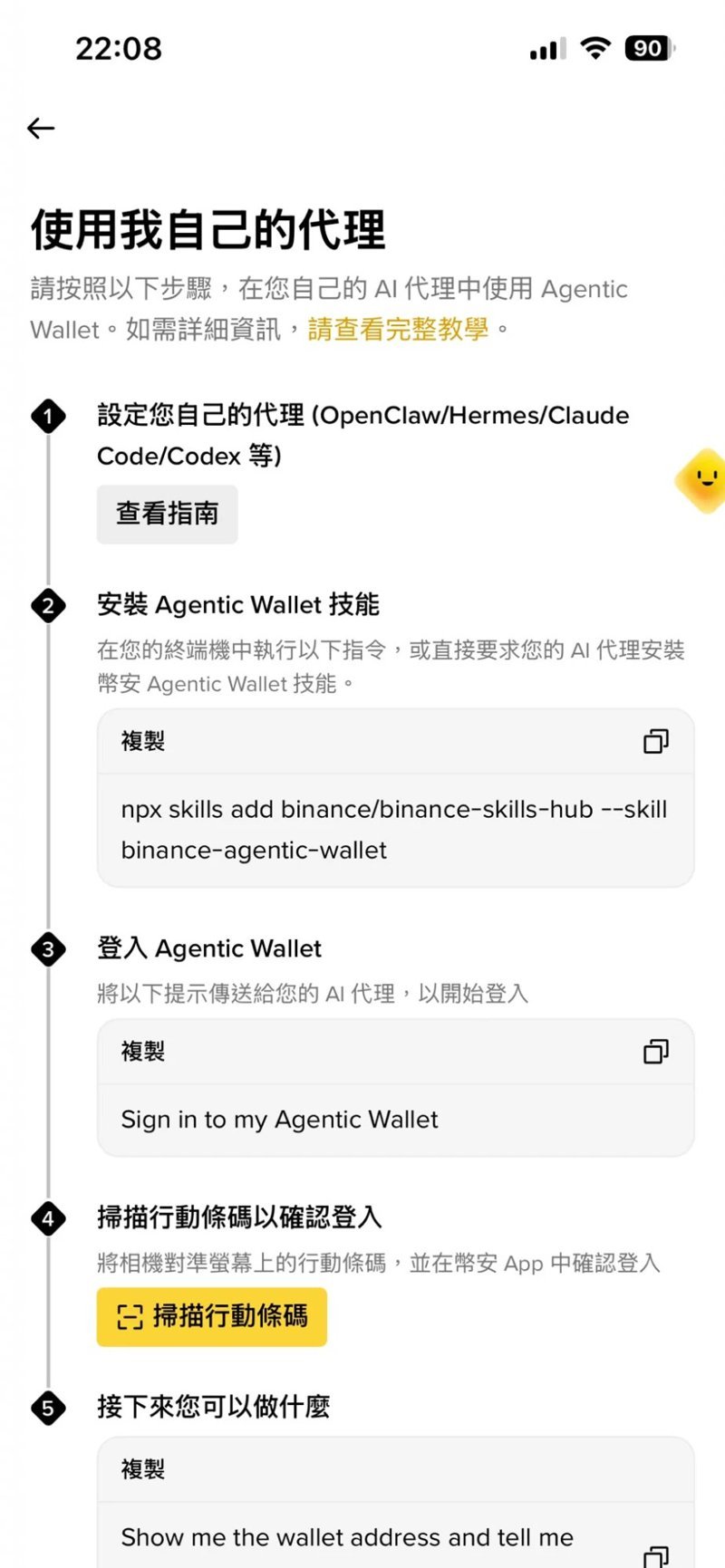
Method 1: Use your own AI agent (Claude Code, OpenClaw, Codex, etc.)
- Installation Instructions: Run `npx skills add binance/binance-skills-hub –skill binance-agentic-wallet` in the terminal, or simply ask your AI Agent, “Please install the Binance Agentic Wallet skill for me.” If the baw command-line tool isn’t already installed on your computer, it will be installed automatically the first time you use it.
- Issue a login command: Enter `Sign in to my Agentic Wallet` into the AI Agent, and the AI will respond with a login link.
- Scan to confirm: If you open the link on your phone, you’ll be redirected directly to the Binance app; if you open it on a computer, use the “Scan Mobile Barcode” feature in the Binance app to scan the QR code on the page.
- Verify the pairing code: Make sure the pairing code displayed in the app matches the one shown on the AI Agent. Then, enable secure automatic signing within the app and accept the Terms of Service and the Agentic Wallet Security Statement.
- Setup Complete: When you log in for the first time, the app will guide you through setting up your Agentic Wallet. Once complete, the wallet management page will open automatically. Return to the AI Agent to complete the final confirmation.
- Try this command: Type `Show me the wallet address`, then type `Check the Balance`, and verify that the AI can read the wallet address and balance.
Method 2: Using Binance AI Pro
- Enable Ai Pro: Enable Ai Pro at ai.binance.com or via the AI portal in the Binance app (app version 3.22.2 or higher required). This feature is currently unavailable in the iOS app; you must enable it via the Android app or the web version. A 7-day free trial is available upon first activation.
- Issue the command: Type `Sign in to Binance Agentic Wallet` in the chat window. If you don't have a wallet yet, this same command will automatically create one for you; the entire process is completed within the chat.
Please note that the basic version of Binance AI can only answer questions; it cannot manage wallets. You'll need Binance AI Pro for that.
Initial Setup: Start by tightening the security rules
Once your wallet is set up, the first thing you should do—rather than having the AI execute a trade—is go to the "Agentic Wallet" management page in the app, tap the settings icon in the top-right corner, and adjust the following three settings as recommended by the official guidelines:
- Daily Limit: Start with a small amount; the official recommendation is, for example, $50.
- Range of tradable tokens: Select "Limited" to restrict the list to tokens you are familiar with.
- High-Risk Transaction Handling: Configure the system to require a secondary confirmation within the app, rather than executing the transaction automatically.
Then, transfer only the small amount of funds you’re willing to entrust to the AI for management. Once authorized, transactions within the specified limit will be executed with secure automatic signatures—you won’t be prompted for each transaction—so the limit serves as your last line of defense. The recipient address for transfers must also be added to the app’s address book (Wallet → Settings → Address Book) beforehand; otherwise, the transaction will be rejected.
To retrieve your Agent ID: Replace the 0x address with the .ai name
Once you've set up your Agentic Wallet, you can claim your Agent ID:
- Open the redemption page: Use Agent ID Redemption Link Once you enter, the desktop version will display a QR code; simply scan it with the Binance app. Alternatively, you can tap the Agent ID banner within the Binance Wallet app to access it.
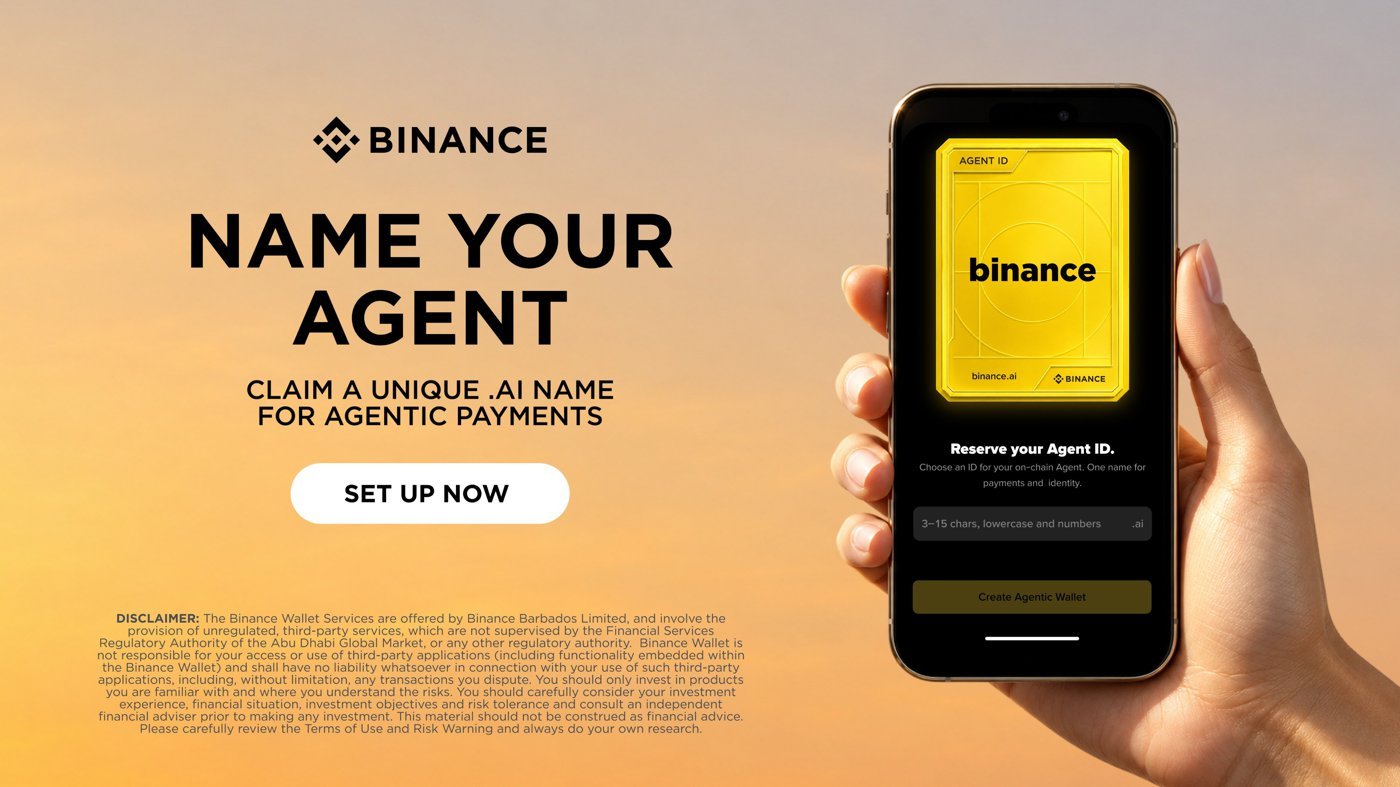
- Choose a Name: Enter the name you want. The rules are: 3 to 15 characters, using only lowercase English letters and numbers, for example, monsterblockhk.
- Confirm Claim: Your name will become your Agent ID, which corresponds to your Agentic Wallet address in the format "name.ai."
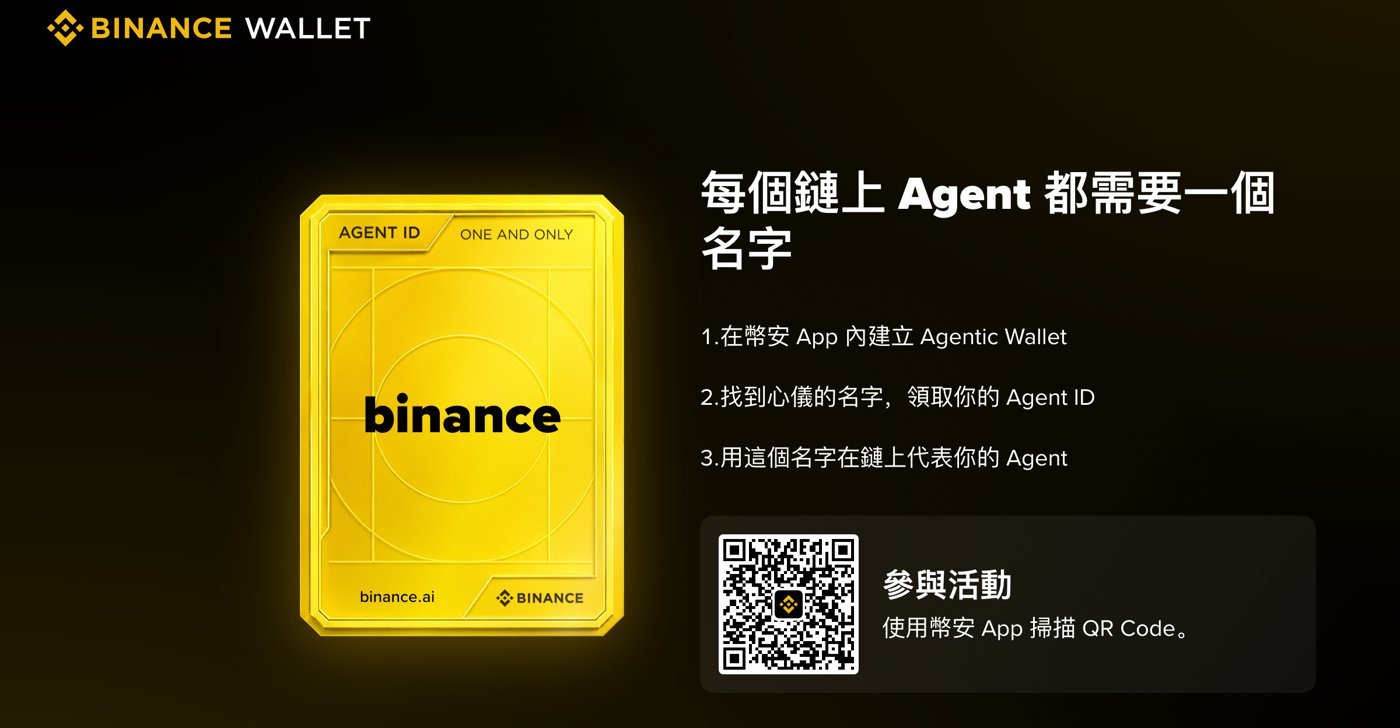
After successful pickup, you will receive a personalized Agent ID card that you can share with others:
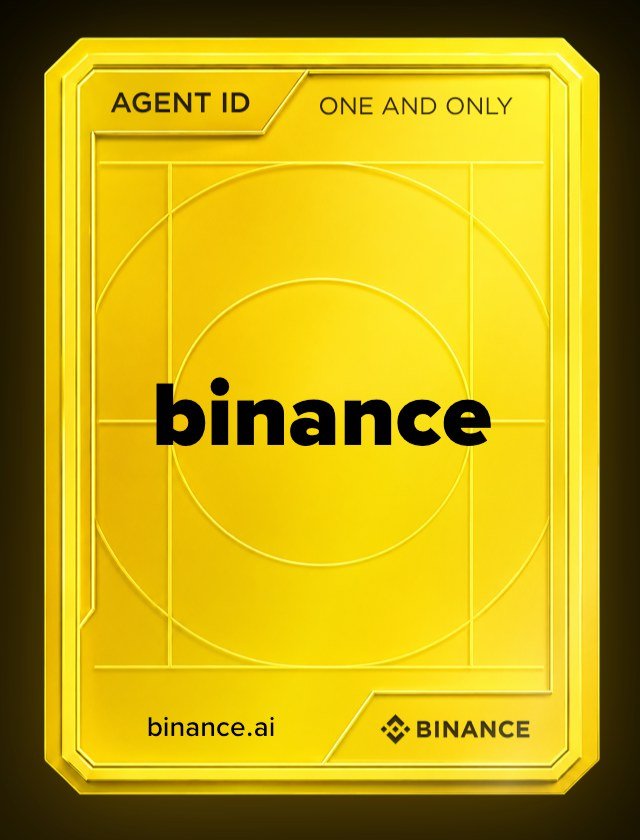
The Agent ID is just a name; it does not change any permissions: how much the AI can spend, what it can buy, and where it can transfer funds are still determined by the rules you set within the app. Names are assigned on a first-come, first-served basis, so if you want a short name, be sure to claim it early:
What can the Agentic Wallet do?
Once you've set it up, you can use a single sentence to ask the AI to do the following:
| Features | How can I use it? | Examples of Commands |
|---|---|---|
| Inquiry | Wallet address, balances on each chain, transaction history, remaining daily limit | What is my USDT balance on BSC? |
| Market Rate Conversion | First provide a quote (amount, slippage, MEV protection, gas), and execute the trade only after confirmation. | Swap 1 BSC USDT for BNB |
| Limit Order | Set a target price to buy or sell; you can view or cancel it | Set a limit order to sell my token if it reaches my target price |
| Money Transfer | Navigate to an address in the address book, or to a name such as .eth, .bnb, .ai, etc. | Send 10 USDT to 0x1234… |
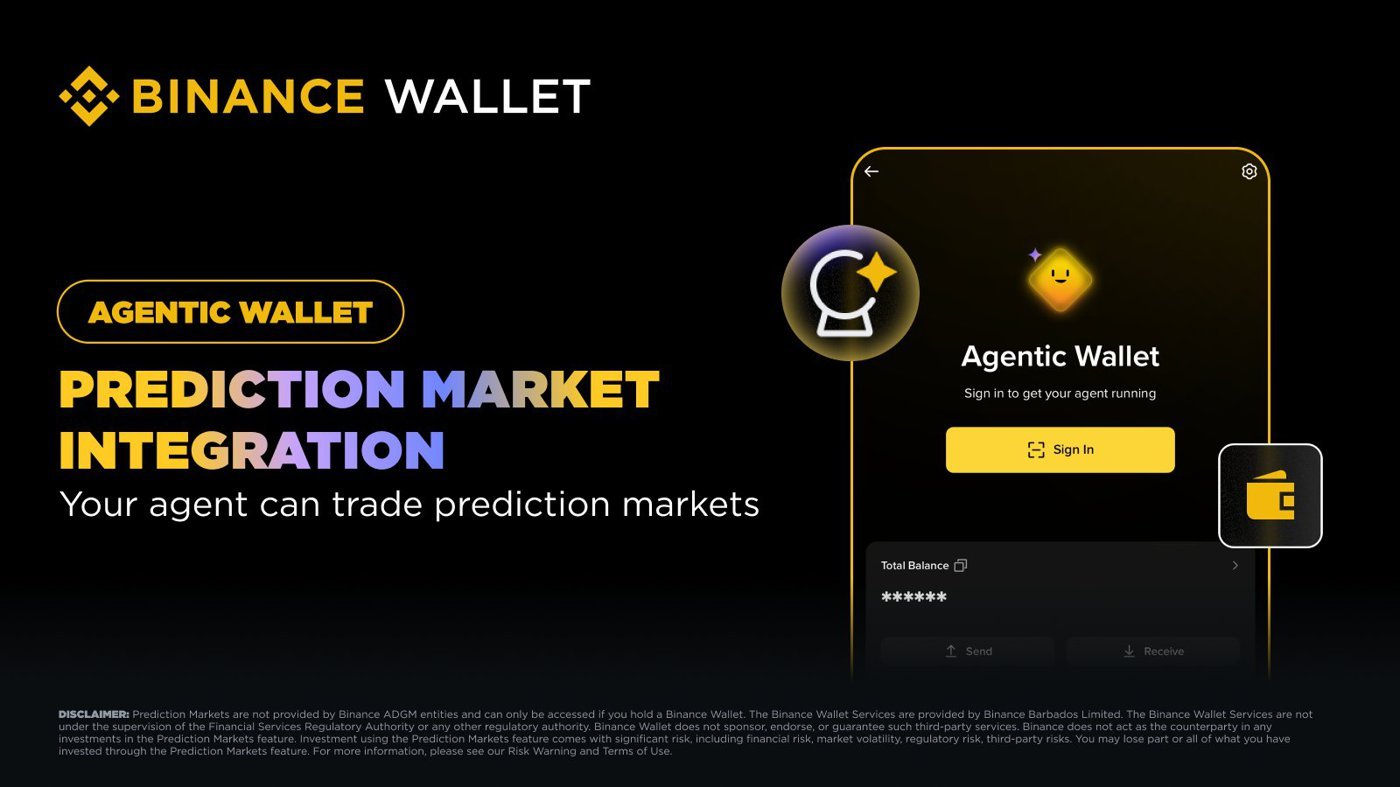
| Prediction Markets | Browse the market, place orders, manage positions, and redeem (added on May 28, 2026) | Simply describe the event you want to watch in natural language. |
Here are a few design features worth noting: For any operation that alters the status of your assets, the AI will first display the details and wait for your confirmation before proceeding; a token security check is performed before any exchange; and when transferring to addresses ending in ".ai" or similar, the address resolution and transfer are conducted in two separate steps—you must first verify the resolved address.
The developer documentation also lists advanced features such as x402 payments and DeFi access, but some features are still marked as “Coming Soon” in certain interfaces (such as Ai Pro). Actual availability depends on what is displayed in your app and AI Agent.
Fees and Official Events
- There is no charge for setting up an Agentic Wallet or installing Skills.
- When AI processes an exchange on-chain, it charges a Binance Wallet service fee plus network gas fees; the actual amount is subject to the quote screen.
- The promotion offering zero service fees and 20 free gas transactions at launch ended on May 9, 2026.
- Agent IDs are currently available for free as part of a limited-time promotion celebrating the launch of Binance Ai Pro. They are available on a first-come, first-served basis.
Additionally, @BinanceWallet launched the “My Agent ID” story campaign on October 21: After creating an Agent ID, share a screenshot on X explaining why you chose that name, include the hashtag ##MyAgentID, and submit the link via the official form. The 10 most creative entries will share 3 BNB, and 10 additional winners will be selected via a random draw to share 1 BNB. The deadline is October 31 at 16:00 (UTC). See the official post for complete rules.
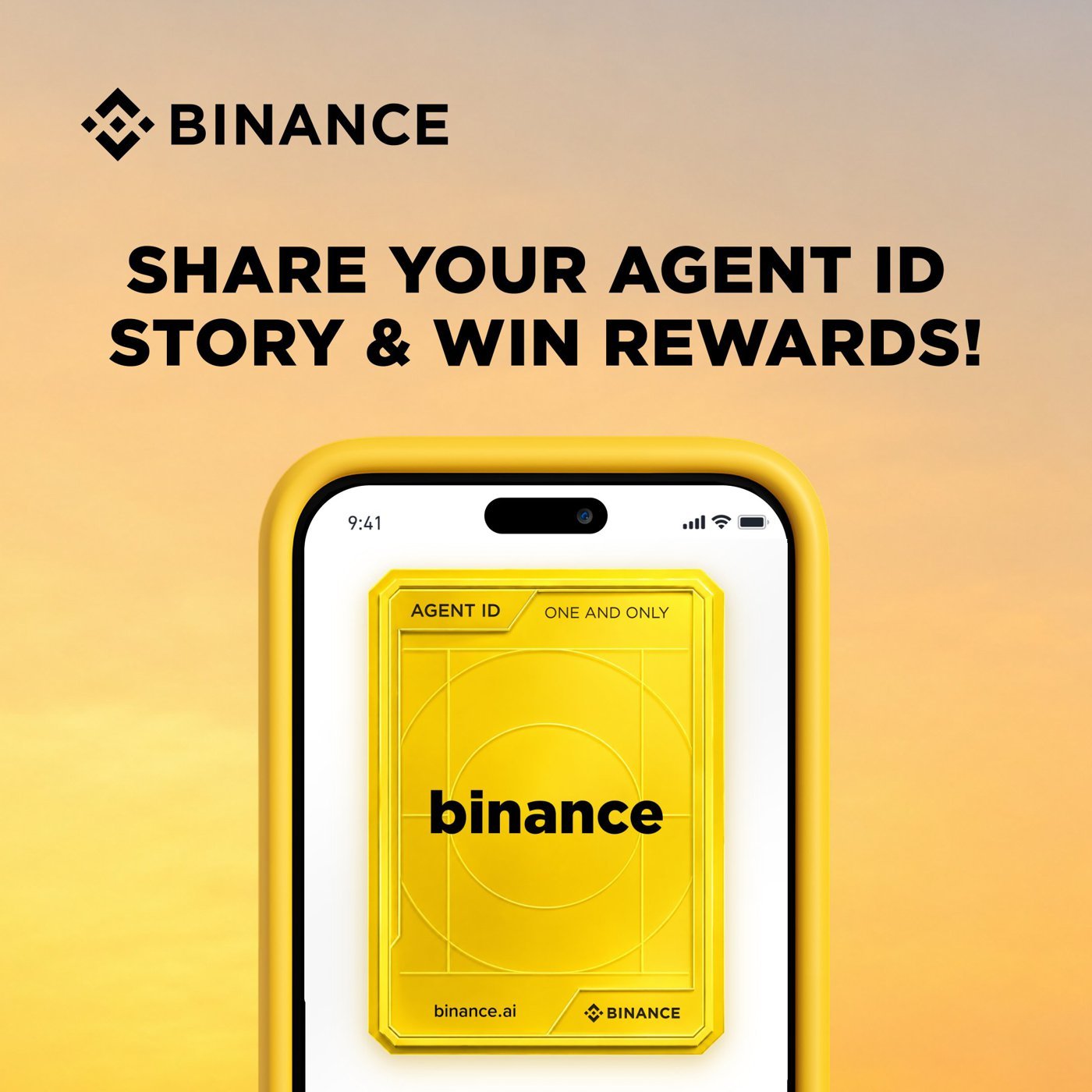
The sooner you claim your Agent ID, the better your chances of getting the name you want—and you’ll get to participate in the story event while you’re at it:
How Do Security Mechanisms Work?
The security of the Agentic Wallet is built on three layers:
- Private Key Layer: MPC (Multi-Party Computation) technology divides and stores private keys in such a way that no single party can sign a transaction on its own, and the AI Agent has no access to the private keys.
- Rules Layer: Daily limits, token ranges, and high-risk transaction handling are all enforced at the API layer. Transactions that violate these rules are automatically rejected or forwarded to the app for your secondary confirmation.
- Audit Layer: All AI operations are logged and can be tracked in real time on a dedicated dashboard; you can revoke the AI’s operational permissions at any time by logging out of the Agentic Wallet in the app.
The core concept behind this design is “isolation”: even if the AI makes a mistake or is misled, the maximum loss is limited to the balance in the Agentic Wallet and the daily limit, and will not affect the main wallet.
Risks Associated with Using the Agentic Wallet
- AI can make mistakes: AI may misinterpret instructions or reference outdated or incorrect information. Binance explicitly states in its announcement that it does not guarantee the accuracy of AI operations and will not be liable for any losses resulting from errors made by the Agent.
- The Cost of Automatic Signing: Once authorization is granted, transactions within the specified limit are not confirmed individually. Setting the limit too high is equivalent to handing over large sums of money to the AI to decide on its own.
- Injection Warning: When the AI Agent reads web pages or documents, it may encounter content containing malicious commands. The quota, address book, and secondary confirmation features are designed to address this situation; do not disable them for the sake of convenience.
- API Key Security: Some transaction-related Skills require API key authentication; if an API key is compromised, it’s as if you’ve handed over your permissions.
- Prediction Markets and DeFi: These features carry inherent high risks, and you may lose your entire investment. Be sure to understand the product before allowing AI to participate.
- Regional Restrictions: As noted in the Binance announcement, certain products and services may not be available in all regions. Please verify the regulations in your region before use.
Simple rules: Start with small amounts, set strict limits, keep only addresses you trust in your address book, and review the AI’s quote carefully before replying to confirm.
Frequently Asked Questions
What is the difference between the Agentic Wallet and the Binance Wallet? The Agentic Wallet is a separate wallet created under the same Binance account, with its own balance and address, designed exclusively for use by the AI Agent; funds in the main wallet are completely isolated, and the AI cannot access them.
Do I have to use Binance AI Pro? Not necessarily. AI agents such as Claude Code, OpenClaw, and Codex can be used as long as you install the "binance-agentic-wallet" skill; the advantage of Ai Pro is that the skill is already built-in, so there's no need to install it.
Is there a fee for the Agent ID? This service is currently free as part of a limited-time promotion celebrating the launch of Binance Ai Pro, on a first-come, first-served basis. Usernames must consist of 3 to 15 lowercase English letters or numbers, and you must first create an Agentic Wallet.
Will AI transfer my money away? The AI does not have access to your private key and can only perform transactions within the daily limit and token range you set; recipients must also be in your address book. We recommend enabling two-factor authentication for high-risk transactions and keeping only small amounts of funds in your account.
Which blockchains are supported? Currently, it supports the BNB Smart Chain, Ethereum, Base, and Solana. According to the official announcement, more networks will be added gradually; the complete list is subject to the supported chains as determined by the AI Agent.
How do I revoke the AI's access permissions? You can revoke access immediately by logging out of the Agentic Wallet within the Binance app; you can also ask the AI Agent to log out directly.
Disclaimer
The content of this article is for reference only, investors should exercise independent judgment, invest with caution and at their own risk, this article does not provide or attempt to persuade viewers to trade or invest on the basis of the content of this article is for sharing purposes only, and should not be regarded as investment advice, and does not represent the Monsterblockhk viewpoints and positions, all information and views of the specific date of the judgment of the time-limited nature. In addition, if any content in this website involves virtual asset trading platforms that have not yet obtained a license to operate virtual asset trading platforms in Hong Kong, including but not limited to text introductions, pictures, promotions, events, etc., they are only available to users outside of the Hong Kong Special Administrative Region.
According to the Hong Kong Anti-Money Laundering and Counter-Terrorist Financing (Amendment) Ordinance 2022, after June 1, 2023, all centralized virtual asset trading platforms operating in Hong Kong or actively promoting their services to Hong Kong investors will be licensed and regulated by the SFC, and any related unlicensed activities will be a criminal offence. For more information and details of the legislation, users may refer to the SFC website.
Next, set up an Agentic Wallet and tighten your security settings, then take advantage of the free period to claim your own .ai domain name: